Choosing Payment Links, Hosted Checkout or Embedded Checkout in Paymos
I’m Alex at Paymos. When a merchant chooses how to present stablecoin payments, the useful starting point is the purchase already happening. A customer discussing an order by email arrives at payment differently from someone finishing a basket on a website.
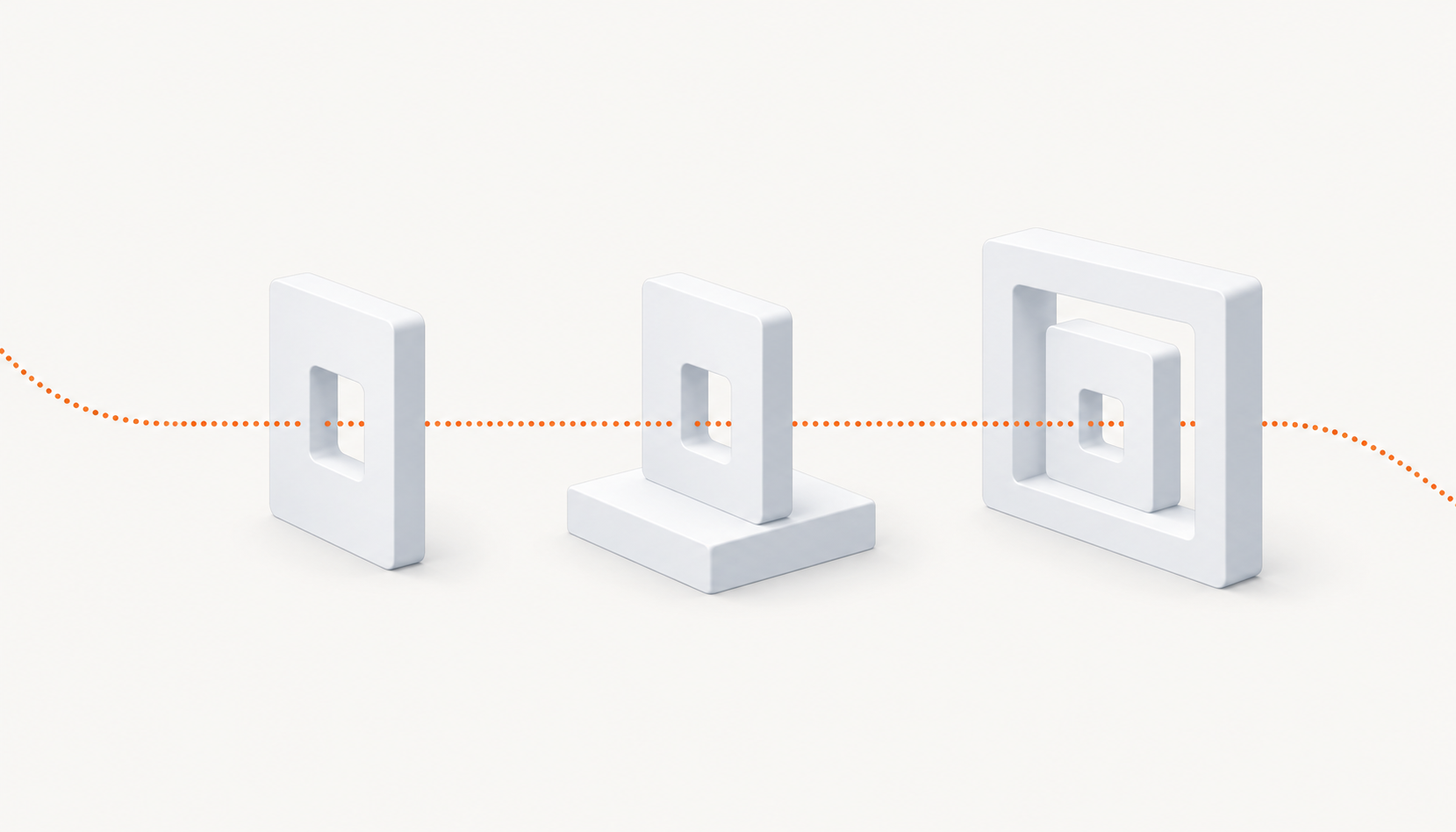
Paymos offers per-invoice payment links, Hosted Checkout and Embedded Checkout using an iframe. These choices describe overlapping parts of a payment journey. A payment link takes a customer to a hosted invoice page; an embedded checkout places the payment interface within a merchant page. Before choosing, sketch where the customer starts and which part your business wants to maintain.
Begin with the conversation that leads to payment
Imagine a hypothetical shop agreeing a custom order with a buyer. The amount is settled during the conversation, and the merchant needs to send payment instructions for that purchase. A per-invoice link fits that handoff: the buyer can open the page associated with the invoice.
The important word is “invoice.” Paymos payment links are per invoice, not reusable links that collect unrelated purchases indefinitely. Your process should connect the link you send with the correct order and buyer conversation. Staff need to know which invoice they are sharing and where to find the order after the conversation moves elsewhere.
A link also leaves some work with the merchant. Decide how the buyer receives the order details and whom they contact about delivery. Sending someone a payment page does not by itself explain what they bought or when the shop will prepare it.
If this resembles your current sales process, write down who creates the invoice and sends its link. You may find that the immediate decision concerns staff procedure more than website layout.
Follow a website order into Hosted Checkout
A website purchase starts with more context already recorded. The customer has selected items or a service, and the site has an order to associate with payment. Hosted Checkout gives that customer a separate payment page.
Think through the transition from the order summary to that page. The customer should understand why they are leaving the shop’s page and how the invoice relates to their purchase. Keep the order reference available in the merchant’s records so staff can follow the same journey later.
Then decide what the shop displays when the customer returns. Payment progress and order preparation need their own explanations. Your integration should use the documented payment information to update the order; the layout choice does not settle that business rule.
Hosted Checkout is worth considering when the shop wants to use the payment page without placing the payment interface inside its own layout. Discuss the remaining order work with whoever maintains the site. Ask them to describe it in terms of customer steps and staff records, rather than treating the payment page as the entire purchase.
Consider what embedding adds to your page
Embedded Checkout uses an iframe, so the merchant’s page surrounds the payment interface. That creates room to keep relevant purchase context nearby, but it also gives the merchant a page to maintain around the checkout.
Look at that surrounding content. A long product description, competing buttons or a narrow mobile layout can make payment harder to follow. Decide what the buyer needs during this stage and what belongs earlier in the purchase.
The person maintaining the site should also understand how the containing page responds to checkout progress. Have that person explain which information comes from the payment interface and which content the shop supplies. Avoid assuming that embedding transfers ownership of every visible element to the merchant.
An embedded option deserves a deliberate layout decision. If keeping the interface on the shop’s page serves a clear customer need, document that need so later design changes preserve it.
Make the choice with the people who maintain it
Bring the proposed journey to the person handling orders and the person maintaining the website. Ask each to walk through one ordinary purchase, from agreement to payment and preparation. Any step they cannot explain needs an owner before the layout is chosen.
You can use different journeys for different kinds of sale. Keep each one understandable, and record which route staff should use for a given purchase. Product background is available at Paymos.
Disclosure: This text and its accompanying illustration were created with AI assistance.