Build awesome datasets for video generation
(This post was authored by hlky and Sayak)
Tooling for image generation datasets is well established, with img2dataset being a fundamental tool used for large scale dataset preparation, and complemented with various community guides, scripts and UIs that cover smaller scale initiatives.
Our ambition is to make tooling for video generation datasets equally established, by creating open video dataset scripts suited for small scale, and leveraging video2dataset for large scale use cases.
“If I have seen further it is by standing on the shoulders of giants”
In this post, we provide an overview of the tooling we are developing to make it easy for the community to build their own datasets for fine-tuning video generation models. If you cannot wait to get started already, we welcome you to check out the codebase here.
Tooling
Typically, video generation is conditioned on natural language text prompts such as: "A cat walks on the grass, realistic style". Then in a video, there are a number of qualitative aspects for controllability and filtering, like so:
Motion
Aesthetics
Presence of watermarks
Presence of NSFW content
Video generation models are only as good as the data they are trained on. Therefore, these aspects become crucial when curating the datasets for training/fine-tuning.
Our 3 stage pipeline draws inspiration from works like Stable Video Diffusion, LTX-Video, and their data pipelines.
Stage 1 (Acquisition)
Like video2dataset we opt to use yt-dlp for downloading videos.
We create a script Video to Scenes to split long videos into short clips.
Stage 2 (Pre-processing/filtering)
Extracted frames
detect watermarks with LAION-5B-WatermarkDetection
predict an aesthetic score with improved-aesthetic-predictor
detect presence of NSFW content with Falconsai/nsfw_image_detection
Entire video
predict a motion score with OpenCV
Stage 3 (Processing)
Florence-2 microsoft/Florence-2-large to run Florence-2 tasks <CAPTION>, <DETAILED_CAPTION>, <DENSE_REGION_CAPTION> and <OCR_WITH_REGION> on extracted frames. This provides different captions, object recognition and OCR that can be used for filtering in various ways.
We can bring in any other captioner in this regard. We can also caption the entire video (e.g., with a model like Qwen2.5) as opposed to captioning individual frames.
Filtering examples
In the dataset for the model finetrainers/crush-smol-v0, we opted for captions from Qwen2VL and we filtered on pwatermark < 0.1 and aesthetic > 5.5. This highly restrictive filtering resulted in 47 videos out of 1493 total.
Let's review the example frames from pwatermark -
Two with text have scores of 0.69 and 0.61
pwatermark
Image
0.69
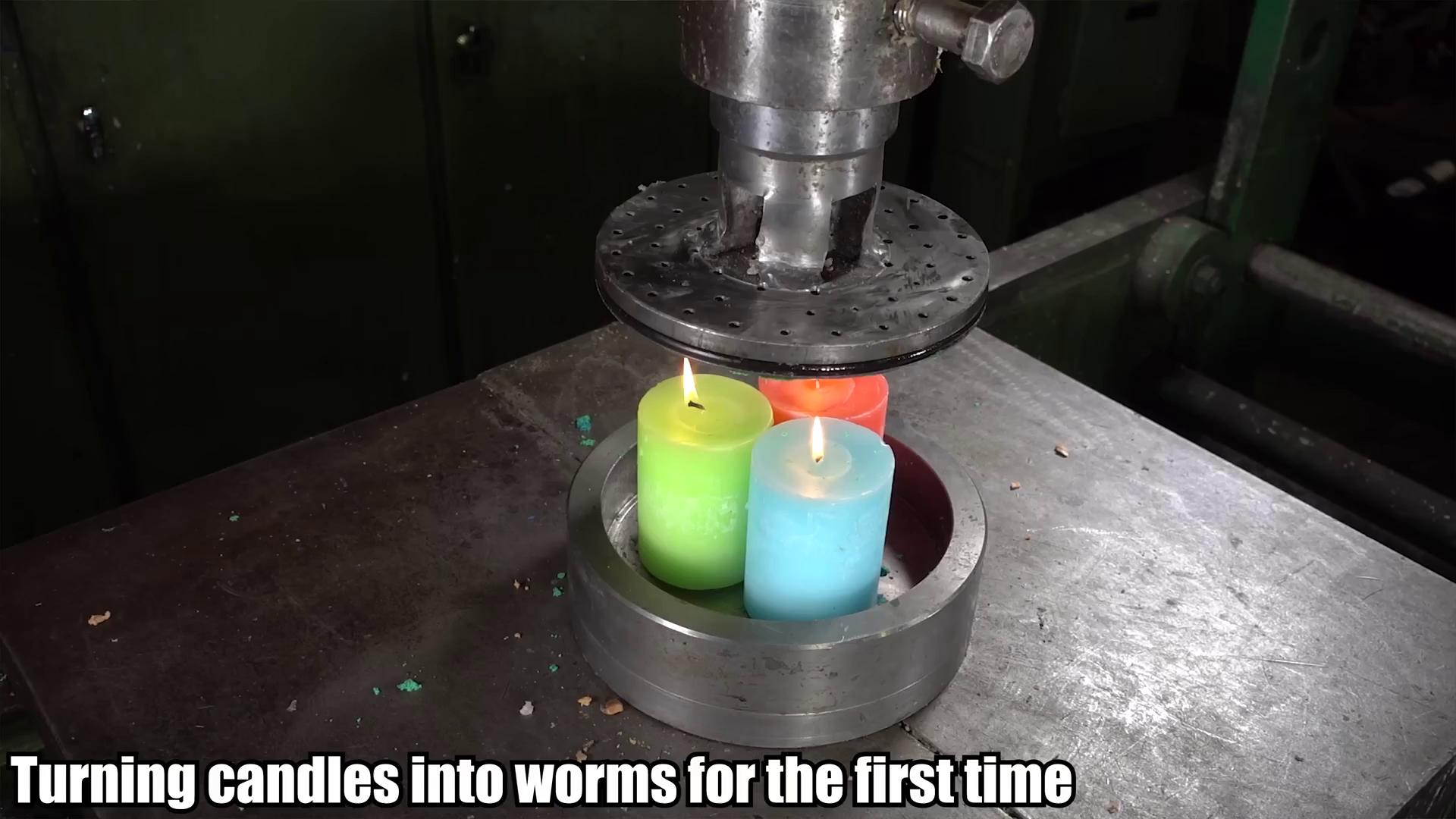
0.61
The "toy car with a bunch of mice in it" scores 0.60 then 0.17 as the toy car is crushed.
pwatermark
Image
0.60
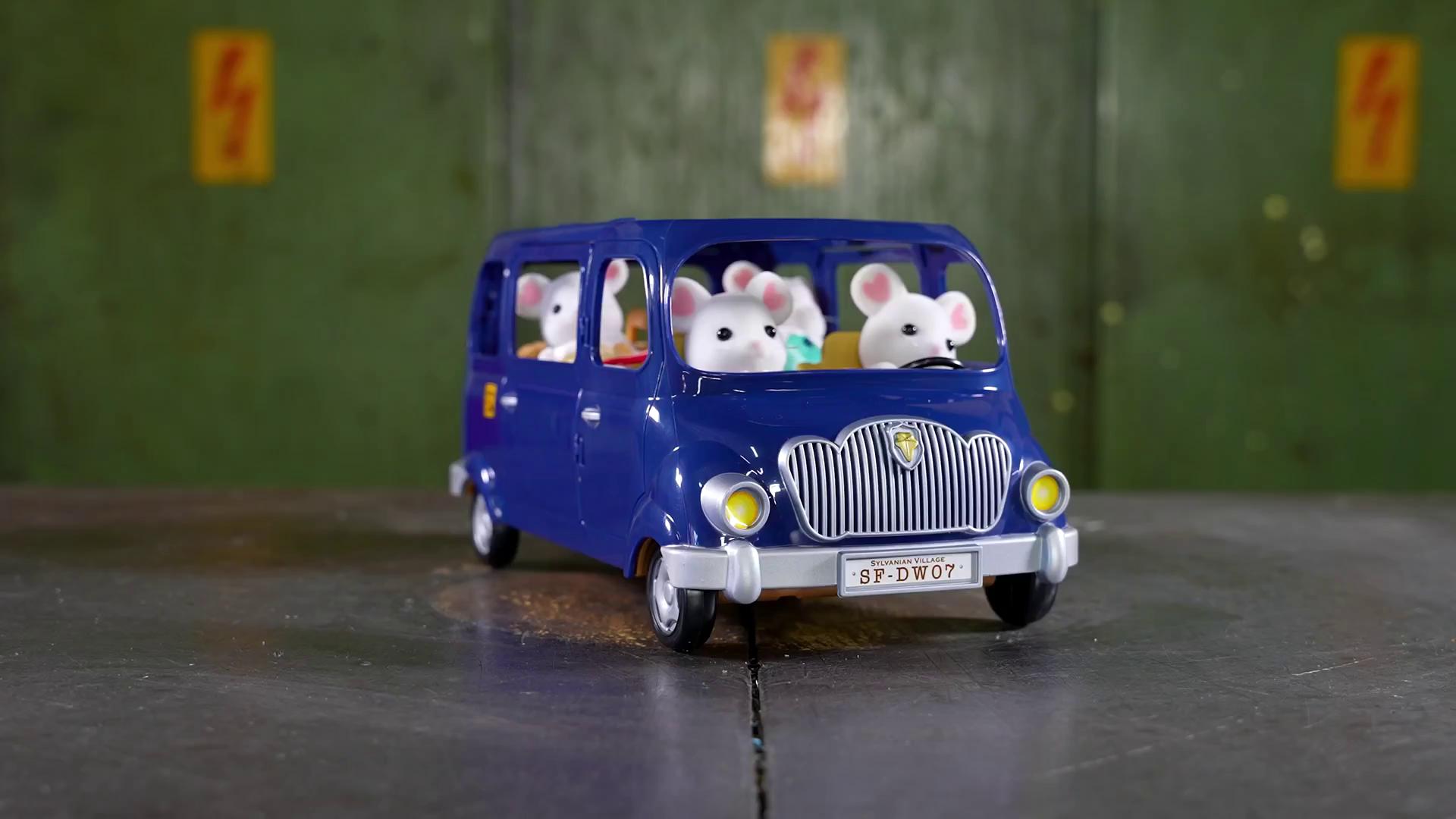
0.17
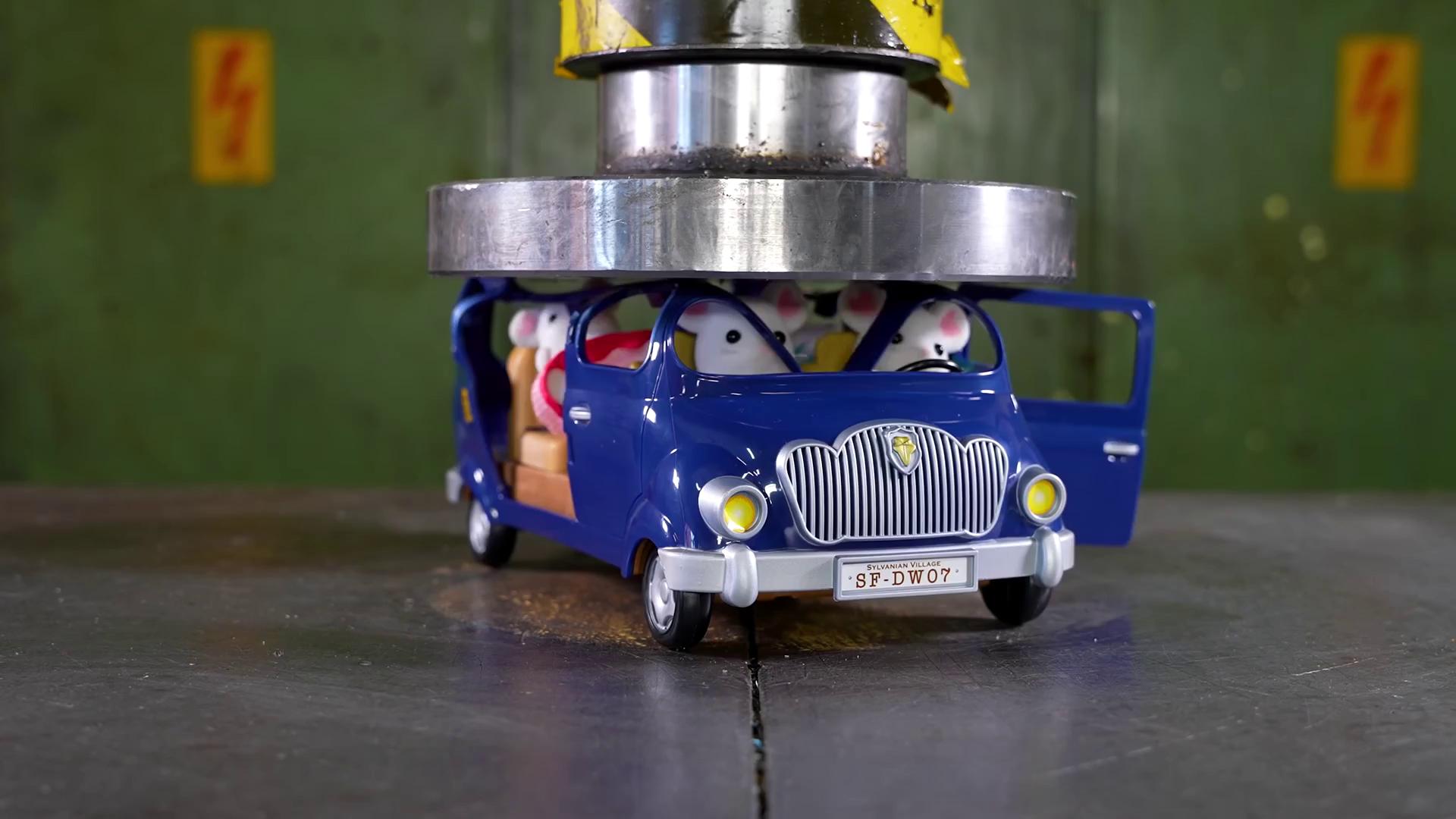
All example frames were filtered by pwatermark < 0.1. pwatermark is effective at detecting text/watermarks however the score gives no indication whether it is a text overlay or a toy car's license plate. Our filtering required all scores to be below the threshold, an average across frames would be a more effective strategy for pwatermark with a threshold of around 0.2 - 0.3.
Let's review the example frames from aesthetic scores -
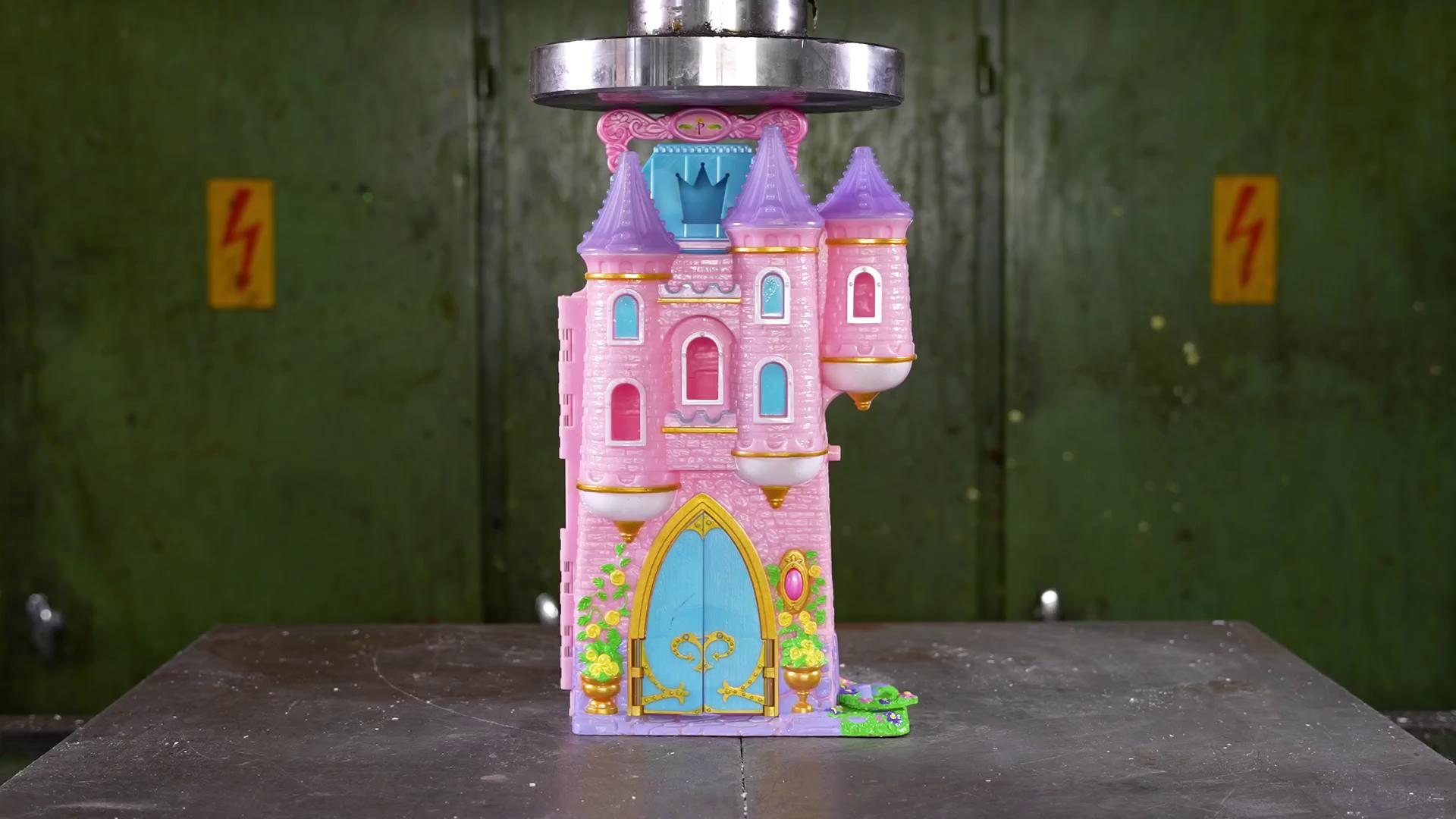
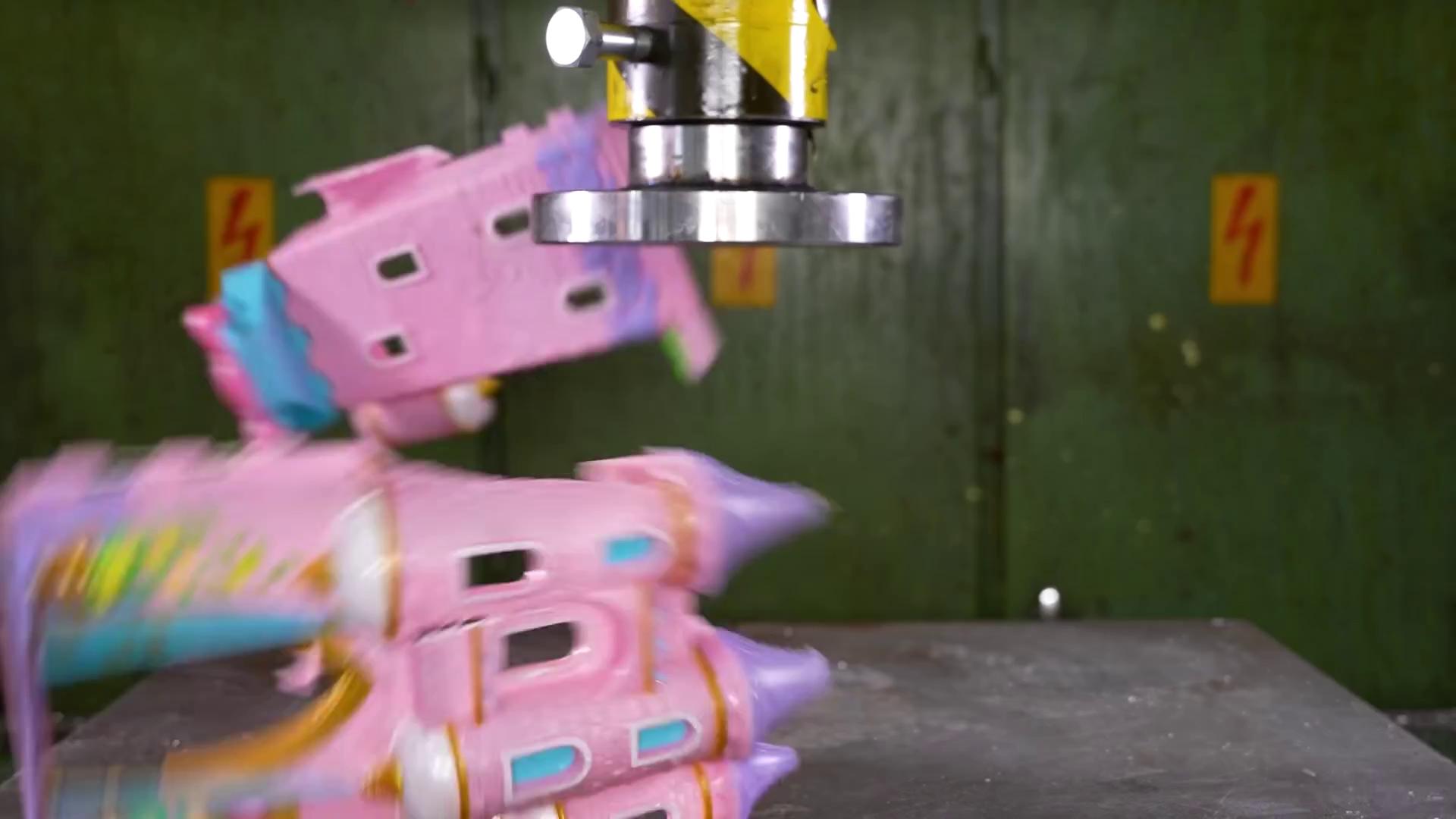
The pink castle initially scores 5.5 then 4.44 as it is crushed
Aesthetic
Image
5.50
4.44
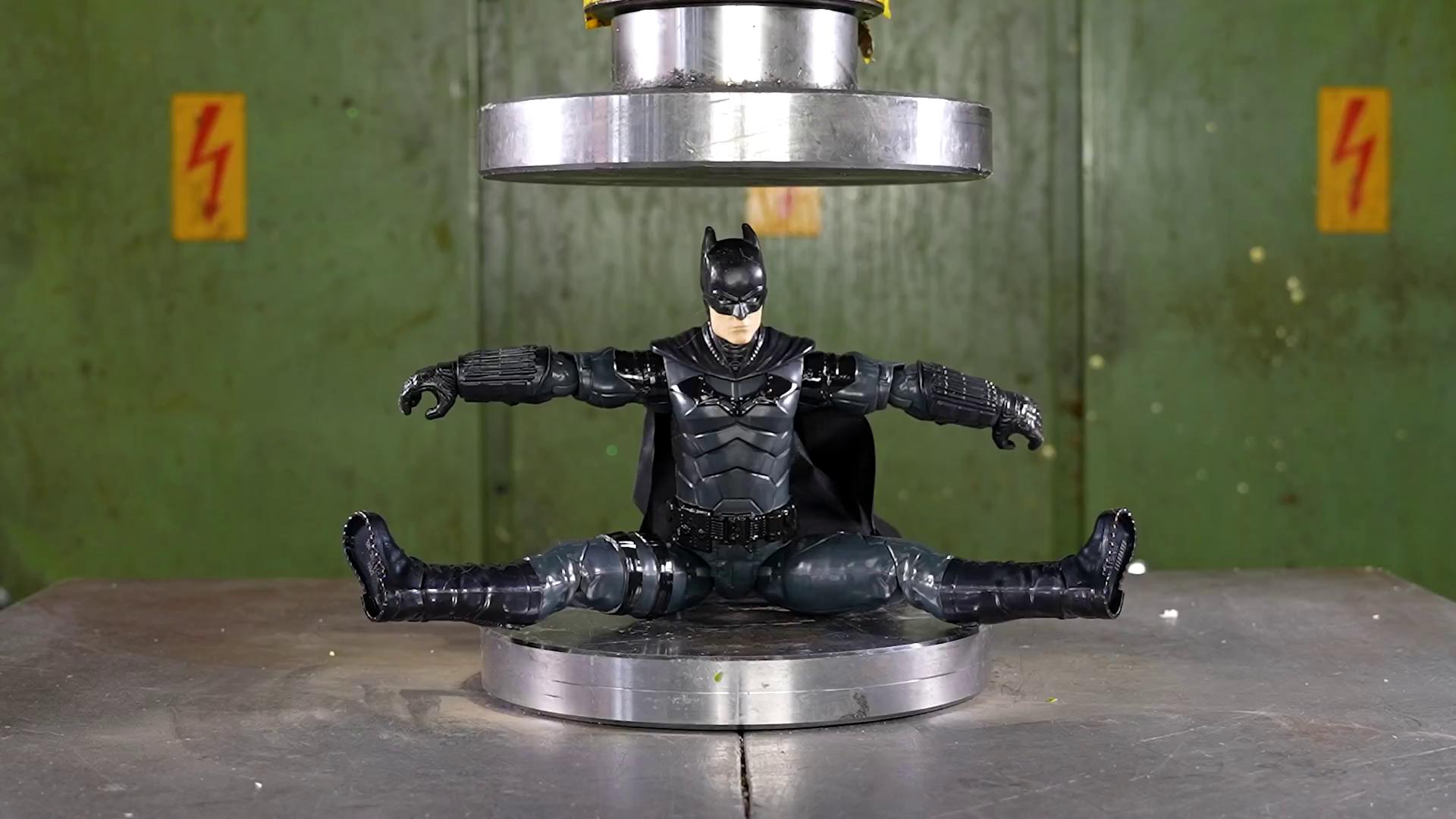
The action figure scores lower at 4.99 dropping to 4.84 as it is crushed.
Aesthetic
Image
4.99
4.87
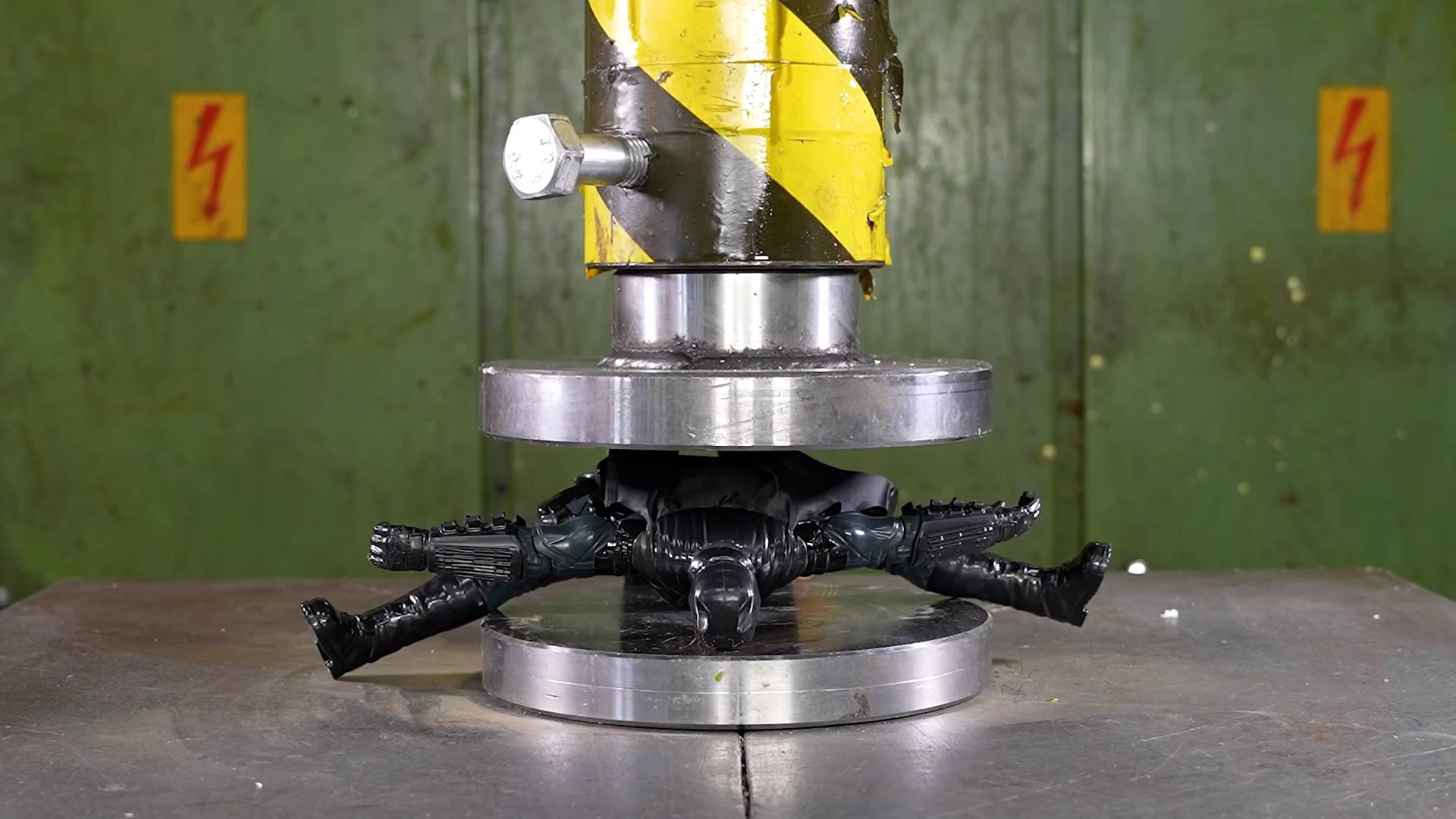
4.84
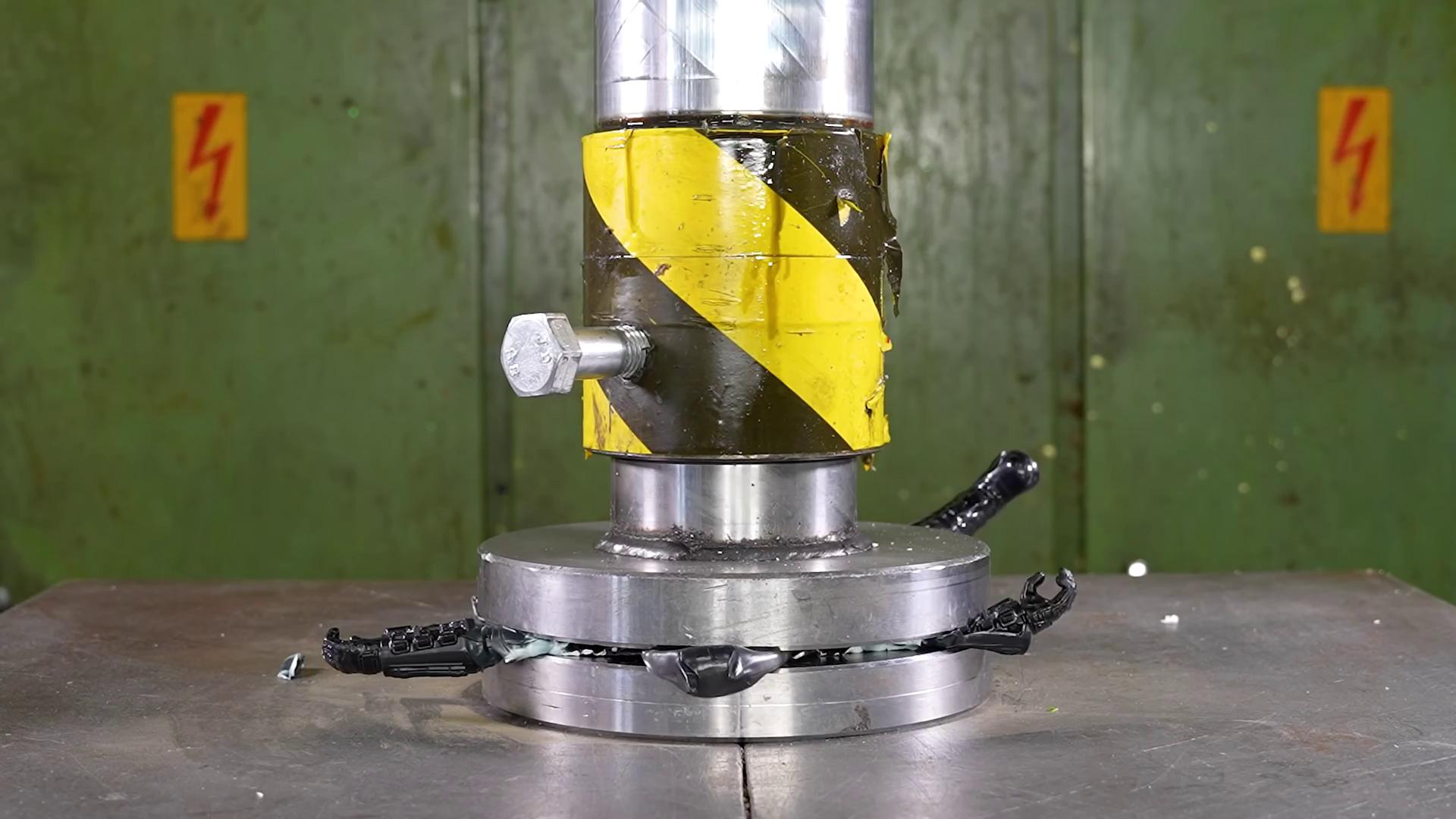
The shard of glass scores low at 4.04
Aesthetic
Image
4.04
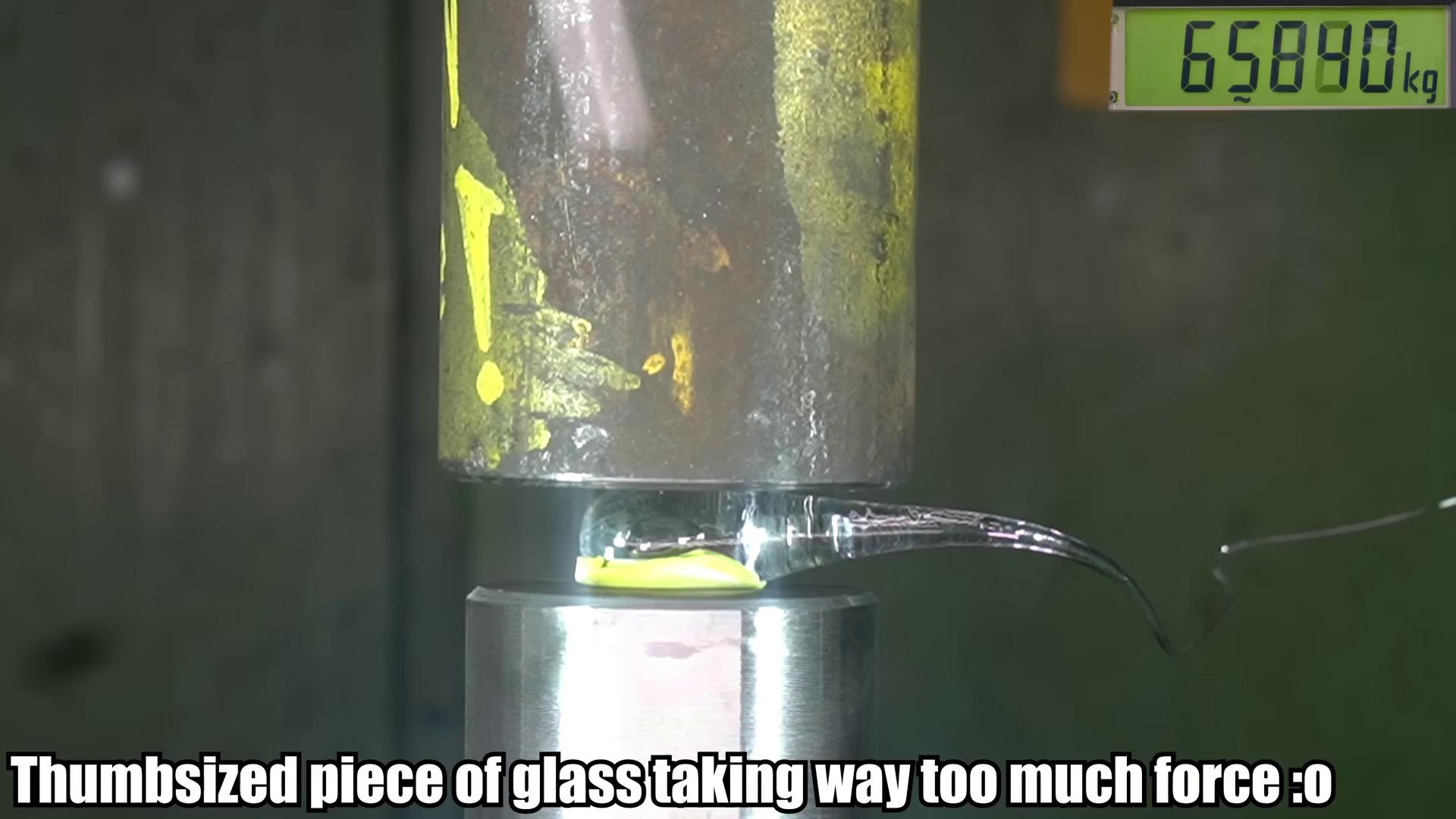
In our filtering we required all scores to be below the threshold, in this case using the aesthetic score from the first frame only would be a more effective strategy.
OCR/Caption
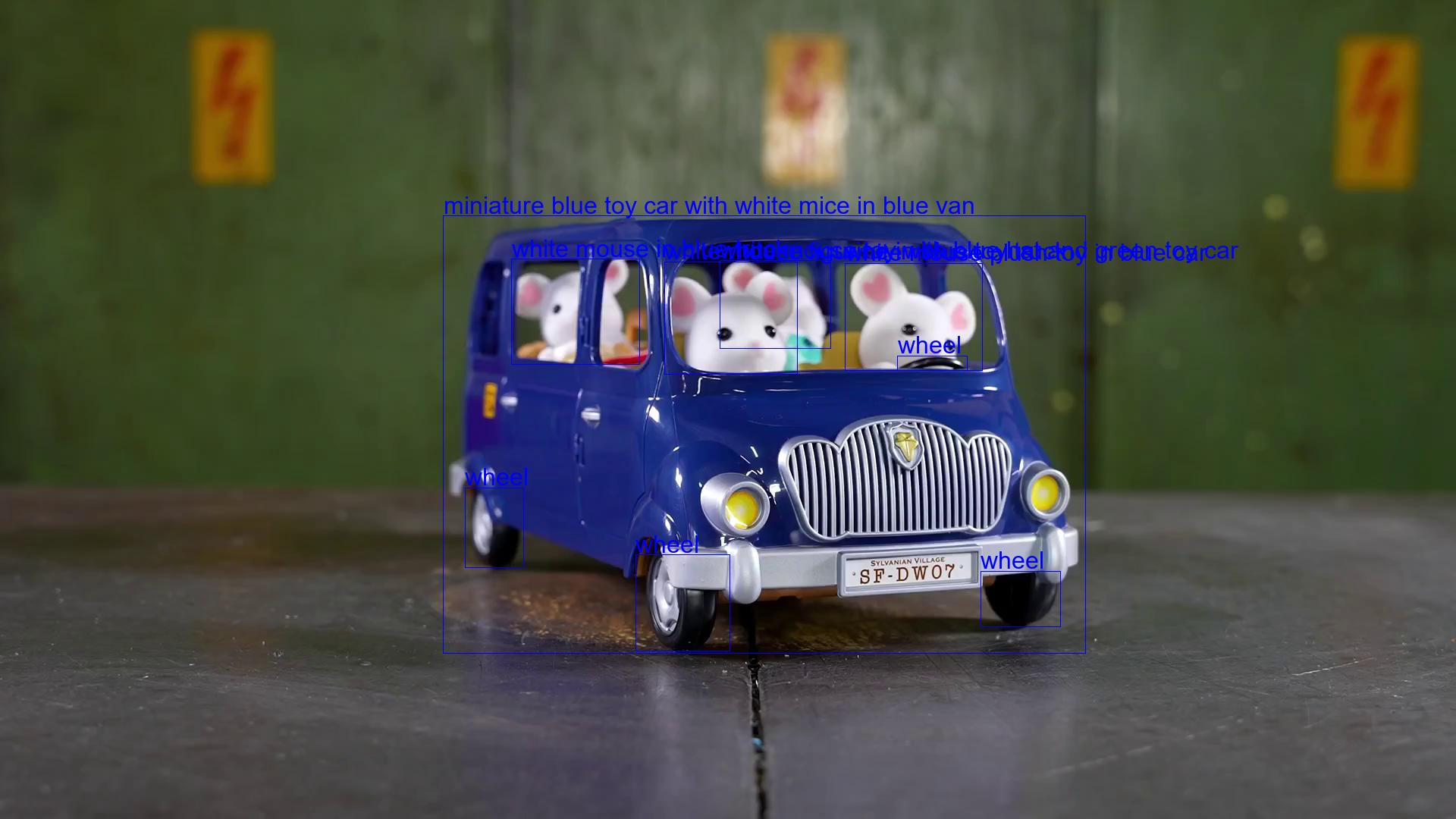
Here we provide some visual examples for each filter as well as the captions from Florence-2.
Image
Caption
Detailed Caption
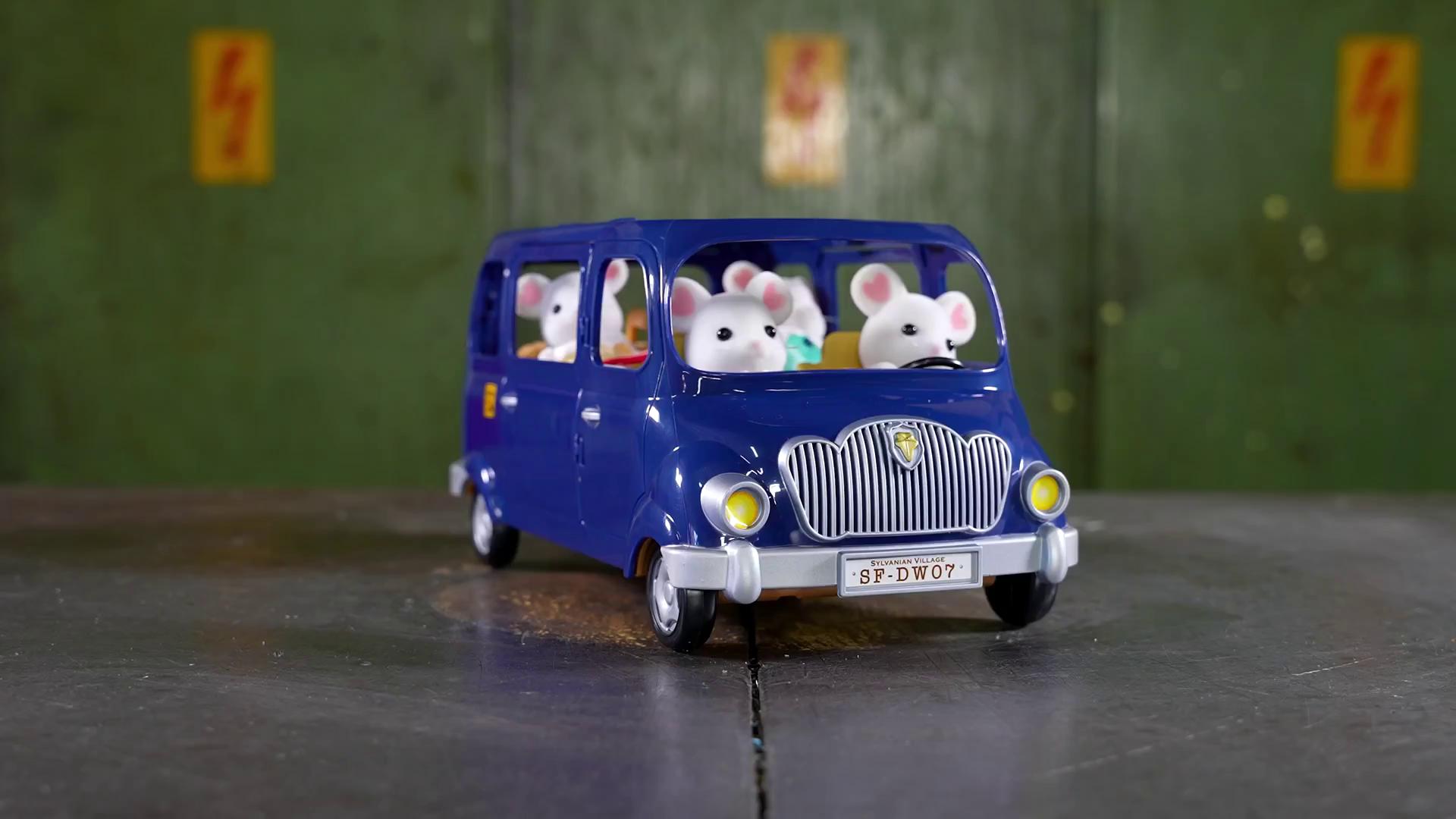
A toy car with a bunch of mice in it.
The image shows a blue toy car with three white mice sitting in the back of it, driving down a road with a green wall in the background.
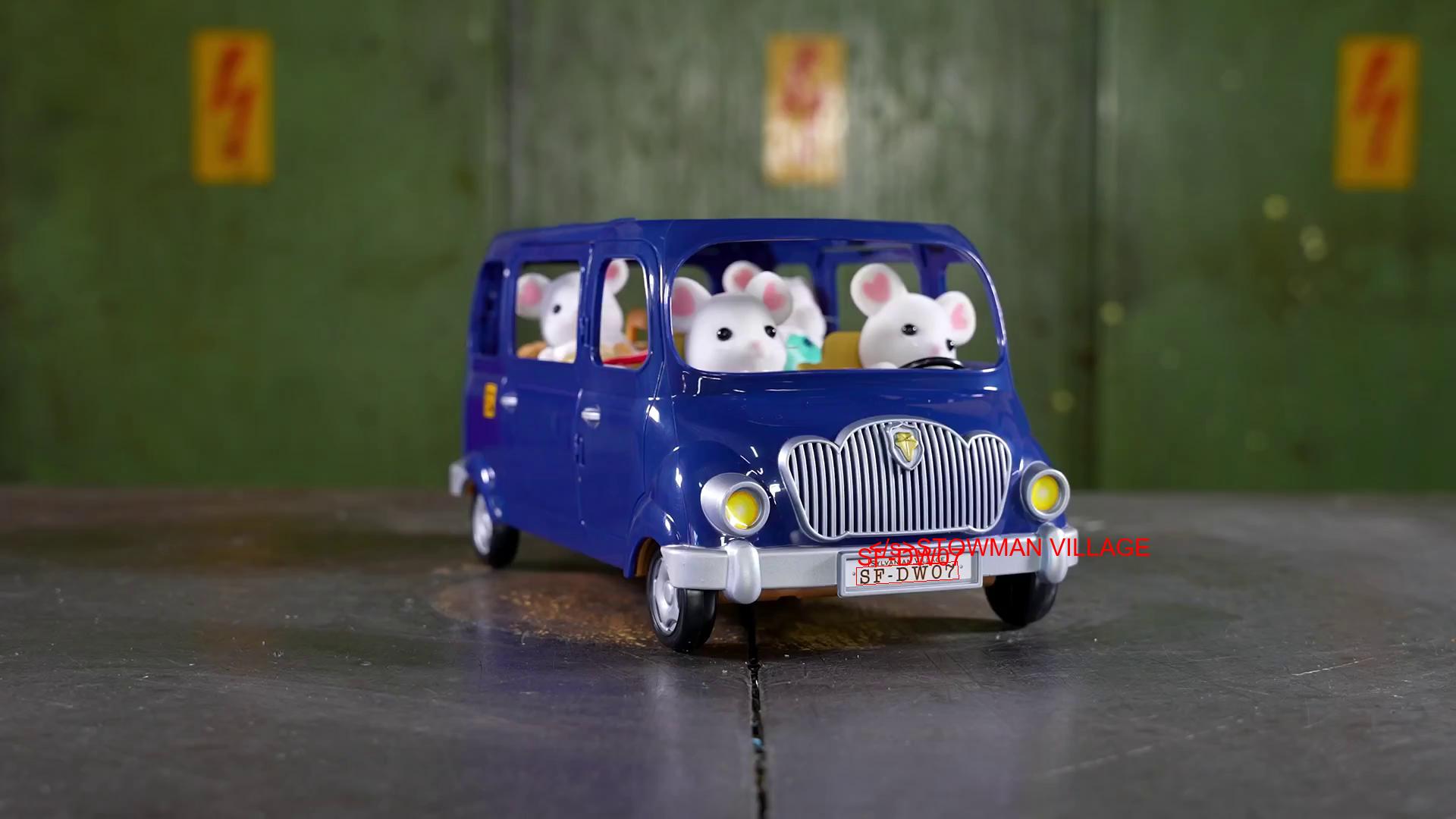
With OCR labels
With OCR and region labels
Putting this tooling to use 👨🍳
We have created various datasets with the tooling in an attempt to generate cool video effects, similar to the Pika Effects:
We then used these datasets to fine-tune the CogVideoX-5B model using finetrainers. Below is an example output from finetrainers/crush-smol-v0:
Prompt: DIFF_crush A red candle is placed on a metal platform, and a large metal cylinder descends from above, flattening the candle as if it were under a hydraulic press. The candle is crushed into a flat, round shape, leaving a pile of debris around it.
Your Turn
We hope this tooling gives you a headstart to create small and high-quality video datasets for your own custom applications. We will continue to add more useful filters to the repository, so, please keep an eye out. Your contributions are also more than welcome 🤗
Thanks to Pedro Cuenca for his extensive reviews on the post.